A few weeks back, I was travelling in the US with my family, and my second daughter needed to use my laptop. Then she complained that the laptop would not charge properly, and I noticed that a BIOS update was pending to version P09VAJ. However, it was not possible to perform the update, since it kept complaining that the battery was not adequate.
Returning back to Sri Lanka, I found out that the MICOM version had got updated to version P09VAJ, but the BIOS version was still P00VAJ.
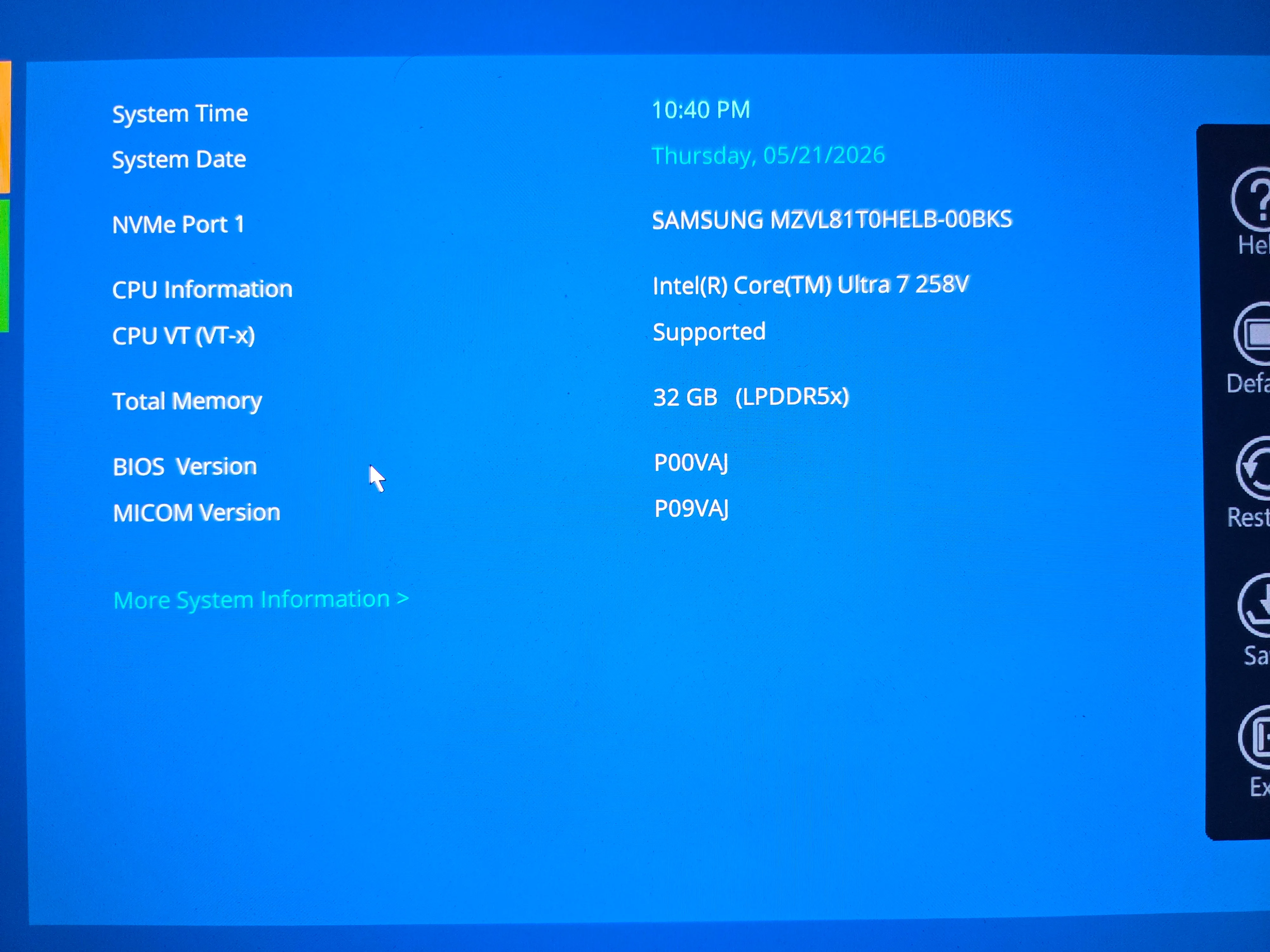 Samsung Galaxy Book 5 Pro - MICOM and BIOS versions differ
This caused the USB-C PD system to fail, and the laptop would drain the battery while being used, even when the charger was connected. It would only charge fully when it was connected to the charger and was switched off. Every time I fully charged the battery and tried to update the BIOS, I would get this message.
BIOS Update stopped
AC adapter and 25 percent or more charged battery required for update. Please make sure AC adapter is connected properly and try updating the BIOS again
Press any key to continue booting
Contacting Samsung support was not helpful, as they asked me to ship the laptop to the US, as there was no support in Sri Lanka. I tried multiple 65W chargers from both Samsung and other brands, but the USB-C PD system kept complaining that a proper charger was not connected.
I finally came across this blog post by Xavier de Carné, where he had documented a process to extract the actual .CAP source files of the BIOS update. Although I downloaded x32dbg and played around to find the hidden password to decrypt the update, I found a shortcut to extract the .CAP file without needing the password. This was with a small powershell script that ChatGPT created for me.
$srcFolder = “$env:LOCALAPPDATA\Temp\__Samsung_Update”
$dstFolder = “C:\temp\copy”
while ($true) {
robocopy $srcFolder $dstFolder /E /R:0 /W:0 > $null
Start-Sleep -Milliseconds 300
}
After getting the .CAP file and booting into a recovery command line, I was able to bypass the warning on the battery level and was able to directly apply the BIOS update from the .CAP file using the command as extracted from the below file
%TEMP%\__Samsung_Update\DebugAppLog.txt
That was it, and now my Galaxy Book 5 Pro is charging as it used to! I felt quite sad that Samsung could not offer better support - even after I informed them that I was a technical person.
Hope this post will help someone else, and Kudos once again to Xavier de Carné!